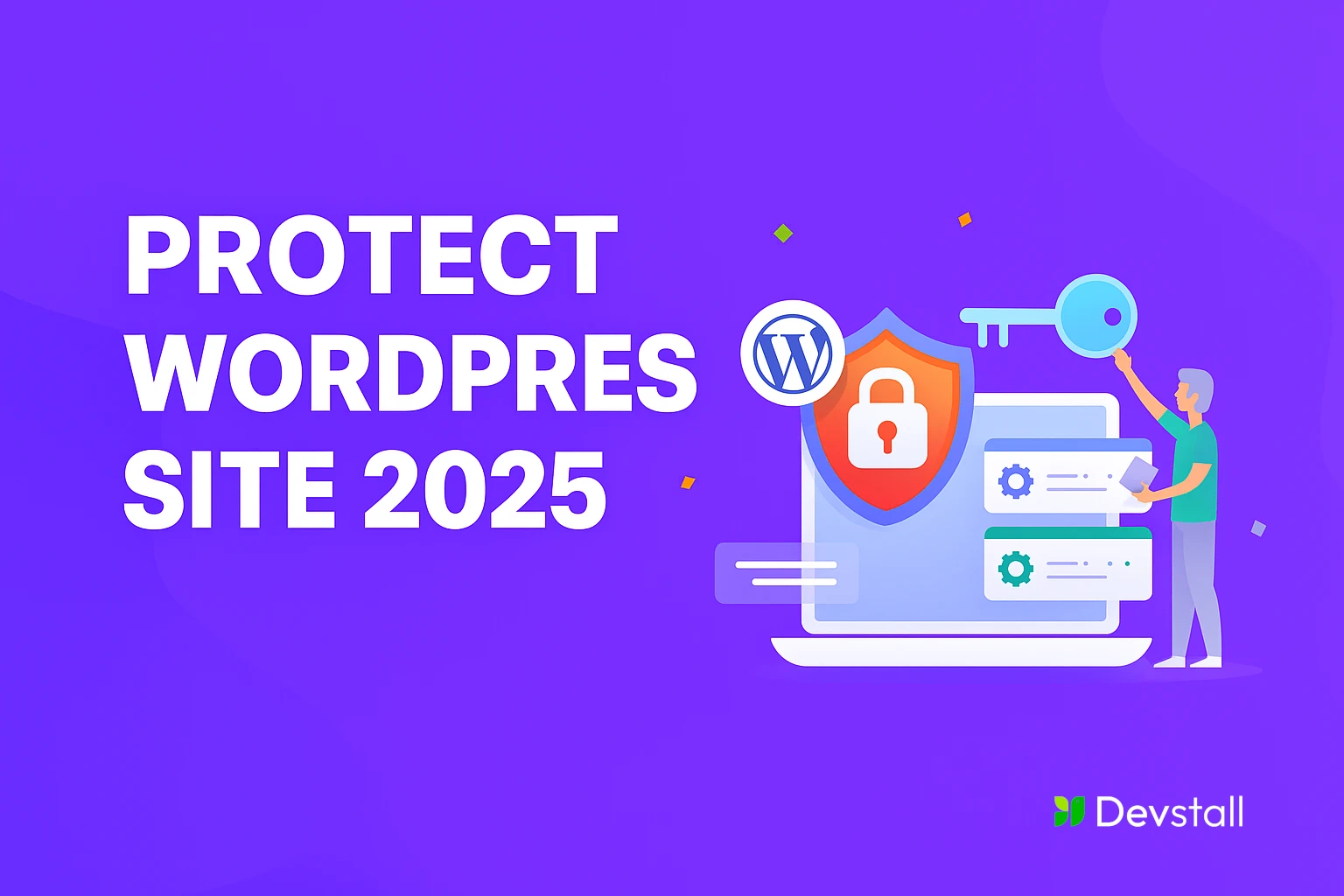
In 2025, WordPress remains one of the most powerful platforms for building websites. It’s flexible, customizable, and user-friendly. But with great popularity comes great risk. Hackers are constantly evolving, and your website could be their next target.
At DevStall, we work with many businesses that assume their websites are secure because they’re using a few plugins or a strong password. Unfortunately, that’s not enough anymore. Cyber threats have grown smarter, and protecting your WordPress site now requires a full strategy.
In this article, we’ll walk you through a comprehensive WordPress security checklist for 2025 and show how DevStall protects client websites from top to bottom. We also recommend checking out our guide: WordPress in 2025: What’s New, What’s Changing, and the Future of Website Building.
The Essentials: Must-Have WordPress Security Practices in 2025
These basic steps are critical and should be followed by every WordPress website owner.
Keep Everything Updated
Regular updates are the easiest way to prevent attacks. Always keep your WordPress core, plugins, and themes updated. Developers regularly patch vulnerabilities, and outdated software is the easiest way for hackers to get in.
Use Strong Passwords + Two-Factor Authentication (2FA)
Passwords should be long, unique, and never reused across platforms. Combine this with 2FA, which sends a login code to your phone or email. Even if someone guesses your password, they can’t get in without the second code.
Change the Default Admin Username
Never use “admin” or your site name as your username. These are easy to guess. Create a unique username that’s harder to guess.
Secure the Login Page
Change the login URL from the default “/wp-admin” to something unique. Add CAPTCHA to block bots, and limit login attempts to stop brute-force attacks.
Install a Trusted Security Plugin
Plugins like Wordfence, iThemes Security, and Sucuri are powerful tools. They offer malware scans, firewalls, IP blocking, and much more.
Use a Web Application Firewall (WAF)
A WAF filters incoming traffic and blocks suspicious requests before they reach your site. It’s like having a security guard checking every visitor.
Install an SSL/TLS Certificate
SSL encrypts the connection between your site and your visitors. It’s also important for SEO and building user trust. Your URL should always start with “https://”.
Regular Backups
Always back up your website’s files and database. Use plugins like UpdraftPlus or BlogVault to automate daily or weekly backups. If your site ever gets hacked, you can restore it easily.
Remove Unused Plugins and Themes
Old and inactive plugins or themes are often ignored and not updated. Delete anything you’re not using to reduce risk.
Advanced WordPress Security Hardening (DevStall’s Approach)
Once the basics are done, we move to the next layer of defense.
Disable File Editing in the Dashboard
This blocks the ability to edit theme or plugin files from the admin area, which is a common tactic used by hackers if they gain access.
Disable PHP Execution in Upload Folders
Hackers can upload malicious PHP files in folders like “/uploads/”. We block PHP execution in these folders to prevent this.
Change the Default Database Prefix
WordPress databases usually use the “wp_” prefix. Hackers use this to run automated attacks. Changing the prefix helps protect your data.
Move wp-config.php File
This file contains your database credentials. Moving it one directory level above the root adds an extra layer of protection.
Disable Directory Browsing
Directory browsing allows users to see all files in a folder. We disable it so hackers can’t explore your site structure.
Set Secure HTTP Headers
HTTP headers like Content-Security-Policy and X-Frame-Options help prevent XSS and clickjacking attacks.
Monitor User and System Activity
Track who logs in, what they change, and when. We use tools like WP Activity Log to watch for anything suspicious.
Check for Unauthorized File Changes
Our systems scan your site for file changes or unknown code insertions. If something unusual happens, we investigate immediately.
The Server Matters: Why Good Hosting Is Crucial for Security
Many people think WordPress security ends with plugins. But your hosting server is just as important.
Cheap hosting often leads to:
- Shared resources with other websites (which may be insecure)
- Lack of firewall protection
- Outdated software and weak support
Good hosting providers offer:
- Isolated environments
- Daily malware scans and automatic backups
- Up-to-date PHP versions and security patches
- Better uptime and faster support in emergencies
At DevStall, we recommend mid-to-premium hosting solutions like Kinsta, SiteGround, and Cloudways. We help our clients choose the best fit based on budget and website size.
WordPress Security in 2025: The Real Threats
Let’s understand the actual risks:
- WordPress Core is Stable: The core software is secure if kept updated.
- Plugins and Themes Are the Real Threats: Most vulnerabilities come from third-party add-ons.
- AI-powered Attacks Are Rising: Automated tools are scanning thousands of sites for weak points every minute.
- Human Mistakes Matter: Weak passwords, ignored updates, or excessive permissions are all common causes of security breaches.
Security in 2025 isn’t just about tools. It’s about awareness, regular maintenance, and expert guidance.
How DevStall Protects Your WordPress Site
Here’s our full security process for every client project:
- Free security audit before development
- Strong password policies and 2FA setup
- Plugin/theme vetting and removal of unnecessary items
- WAF and firewall configuration
- CDN setup for extra DDoS protection
- Backup automation and off-site storage
- Hosting optimization for performance + security
- Monthly security reviews and malware checks
We also offer training sessions for clients who want to understand and manage their site’s security better.
Most business owners only think about security after they’ve been hacked. Don’t let that be you. By following this complete security checklist, and working with a team like DevStall, you can ensure your WordPress website is protected in 2025 and beyond.
Want to stay ahead of future threats and build smarter? Don’t forget to read: Building a Modern Website in 2025: Trends, Platforms & Smart Tools